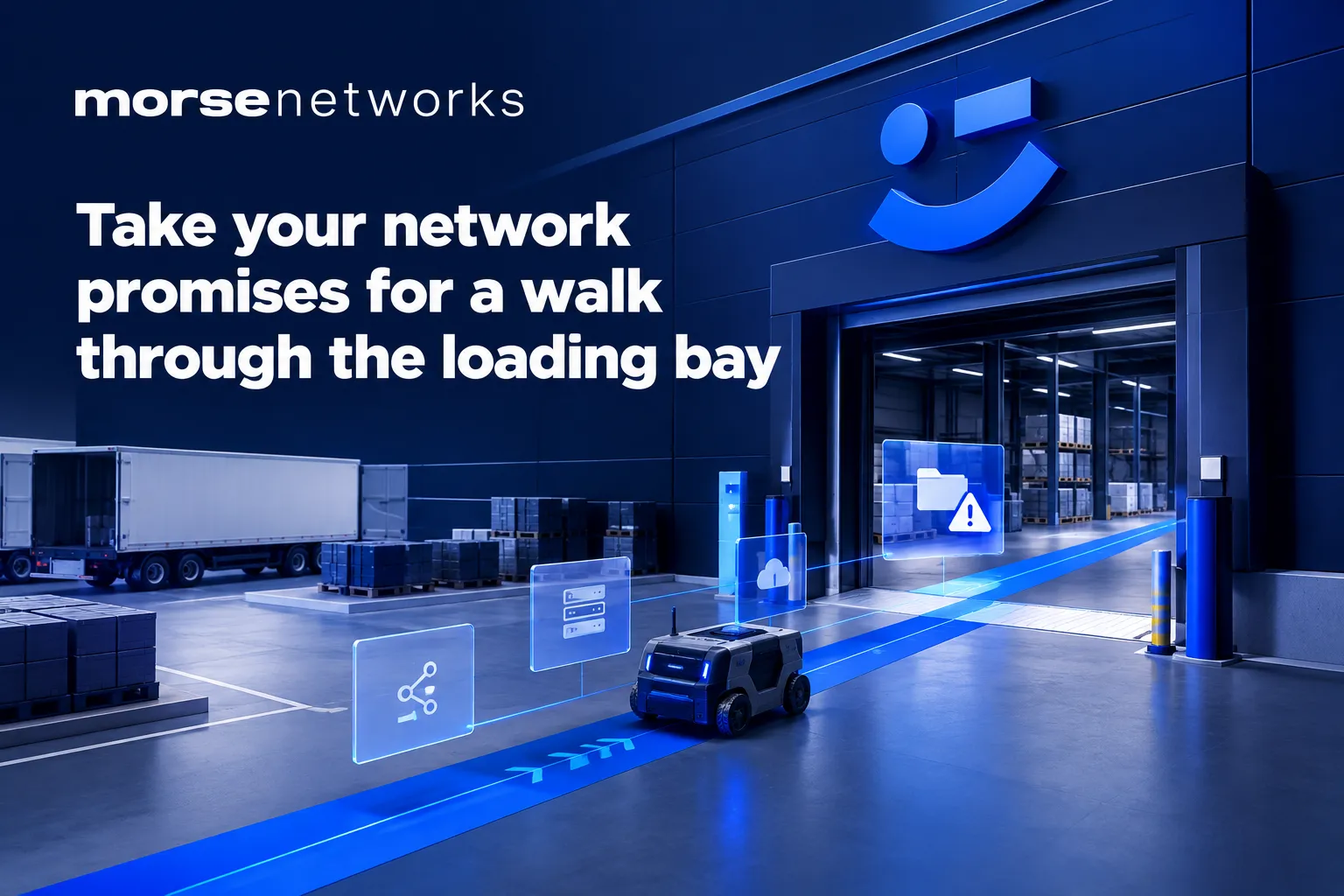

The scanner beeps. The pallet moves. The screen freezes.
Your warehouse worker has reached the loading bay, where the Wi-Fi signal is fading and the mobile connection is supposed to take over. The delivery record is still waiting to save. Behind them, someone would quite like to get a forklift through.
This is where a promise about connected working meets a working day.
For UK businesses with warehouses, yards or mobile teams, the useful question is simple: can someone finish the same task while moving between those places?
A signal indicator won’t answer that. A practical trial will.
Put the convergence promise on a real route
A recent Wi-Fi NOW interview with SPARRO’s Jason Wickam discussed the company’s ARC connectivity offering. Its claims about bringing connections together raise a worthwhile purchasing question: what actually happens to a worker’s application when the connection changes?
Treat those vendor claims as the starting point for a demonstration. They don’t establish how your devices, applications and premises will behave.
Wi-Fi, 5G and satellite can each have a role in business connectivity. Combining them may offer more ways to stay connected, but the application still has to cope with what happens underneath.
Ask a prospective supplier to demonstrate an ordinary journey: from a warehouse aisle, through the loading bay, across the yard and into a parked vehicle.
Use the device your team carries. Run the application they depend on. Give it an actual job to complete, using suitable test records.
Separate coverage from continuity
Coverage means a usable connection is available in a particular place. Continuity means the work survives movement or a change of connection.
You can have coverage in both the warehouse and the yard while still losing an application session between them. Changing networks can interrupt traffic, and some applications handle that better than others. A VPN may need to reconnect. A login session may expire or require another check.
Satellite needs particular care in the discussion. It might provide an alternative internet connection for a site, rather than a direct connection for every handheld device. Its role depends on the proposed design, equipment and service.
Get the supplier to draw the route your data takes. Establish which connection serves the handheld, which serves the building, and exactly where a switch happens.
A diagram with labelled connections is more useful than a cloud labelled ‘seamless’. Clouds have had quite enough credit already.
Test a transaction, not just a speed
A speed test can help diagnose a connection. It won’t tell you whether a delivery confirmation reached your business system correctly.
Build your trial around work with a clear beginning and end. For example, have a worker open a dispatch record indoors, scan a test item at the loading bay, then save a delivery note from the yard.
Check the record in the central system afterwards. Did it arrive once? Is it complete? Does its status match what the worker saw?
An application that appears frozen may still have submitted a transaction. Pressing the button again could create a duplicate if the software doesn’t handle retries safely.
Also test the return journey. Coming back into Wi-Fi coverage should form part of the demonstration, rather than an assumption everyone takes home.
Make the test reflect a busy Tuesday
An empty warehouse with open doors is a helpful starting point. Your purchasing decision needs more than that.
Repeat the route under representative working conditions. Metal racking, stock and vehicles can affect wireless coverage. A closed loading-bay door may change the picture. Mobile reception can vary by location and network.
Use the actual handheld model, including its normal case and security settings. A supplier’s demonstration phone may behave differently from the scanner your team uses all day.
Include the busiest sensible period in the trial. Several people uploading photographs while dispatch labels print is a different test from one person browsing a website.
Keep testing safe. Agree routes with the site manager, stay clear of vehicle movements and carry out vehicle-based checks while parked.
Agree what a pass looks like
‘It seemed fine’ is a weak acceptance criterion, especially when everyone wants the demonstration to finish before lunch.
Write down what the business needs before the trial. That might mean a scan saves without another login, or an upload completes within an agreed period. Set those requirements around the task and its consequences.
Some applications can queue work offline and synchronise later. That may be perfectly suitable for your operation, provided the worker can clearly see what’s pending and what’s confirmed.
For other tasks, a delayed update could leave colleagues acting on old information. Agree which records need immediate confirmation and which can wait.
Record each interruption, its duration and the steps needed to recover. Include manual workarounds. Asking someone to walk back inside and try again is a business cost, even if the network dashboard remains cheerfully green.
Pull a connection deliberately
Movement is only part of the test. Ask the supplier to demonstrate what happens when the main internet connection fails, using a planned test window.
Observe the application throughout the change to the alternative connection. Check whether existing sessions survive, whether new sessions work and whether staff need to intervene.
Then restore the main connection and watch again. Recovery can cause another interruption, depending on the setup.
Confirm whether the alternative connection has enough capacity for essential work. If it doesn’t support normal operations in full, agree which applications take priority.
Document any data allowances, service restrictions and equipment requirements. A backup connection needs a clear operating plan as well as a place on the invoice.
Leave with evidence and an owner
Keep a short test record showing the route, devices, applications and conditions. Note failures and assign responsibility for investigating them.
The cause might sit with wireless coverage, the mobile service, a VPN or the application itself. Agree who coordinates the investigation so your staff don’t become a message service between suppliers.
Before committing, ask for the proposed design, acceptance criteria and support responsibilities in writing. Retest unresolved problems after changes.
The aim is straightforward: a worker completes the job, the record reaches the right system, and everyone can trust its status.
If you’re considering changes to your Wi-Fi or backup connectivity, talk to Morse Networks about the work your connection needs to support.
Let’s make IT one less thing to think about. morsenetworks.co.uk.
Sources
- TECH WATCH: Wireless convergence across Wi-Fi, 5G, and satellite – with SPARRO — Wi-Fi NOW · 2 Nov 2026